
Seasonality
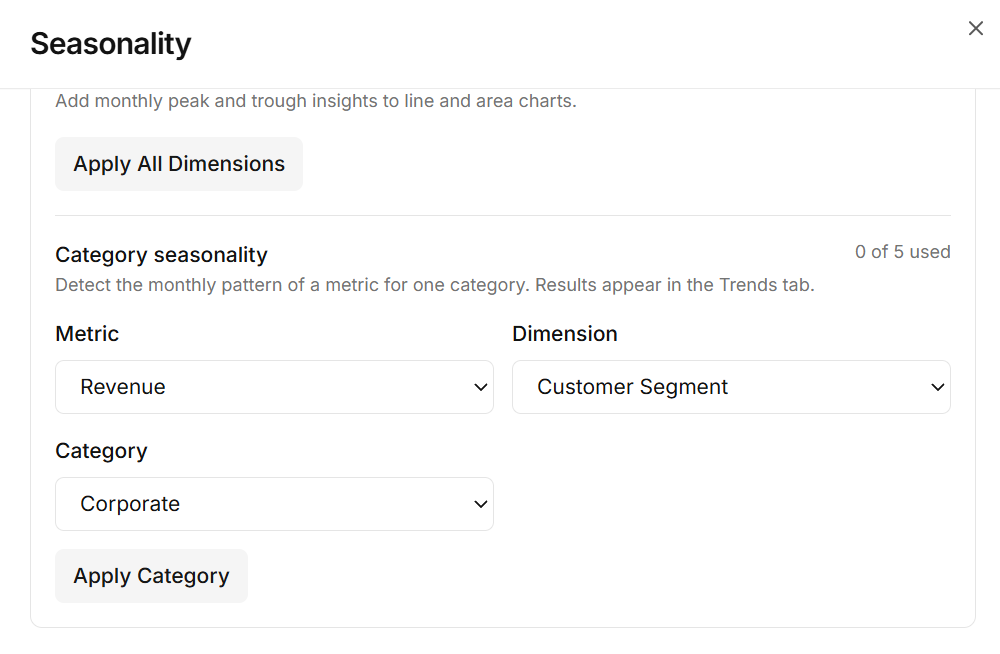
Seasonality Detection
Identify recurring patterns and seasonal fluctuations in your business data to understand when performance rises or falls and plan ahead with greater confidence.
From AI-generated charts to manually selected visuals, Nixorra gives you the flexibility to analyse, explore, and present your business data — all from Excel and CSV files.
Your data stays in your control
Nixorra never sends your raw data to AI. If your file has 5,000 rows, those 5,000 rows are never sent to AI. AI only receives column summaries and the chart totals Nixorra calculates. You can delete your dataset at any time.
Discover trends, compare performance, and uncover meaningful patterns in your business data.
Identify recurring patterns and seasonal fluctuations in your business data to understand when performance rises or falls and plan ahead with greater confidence.
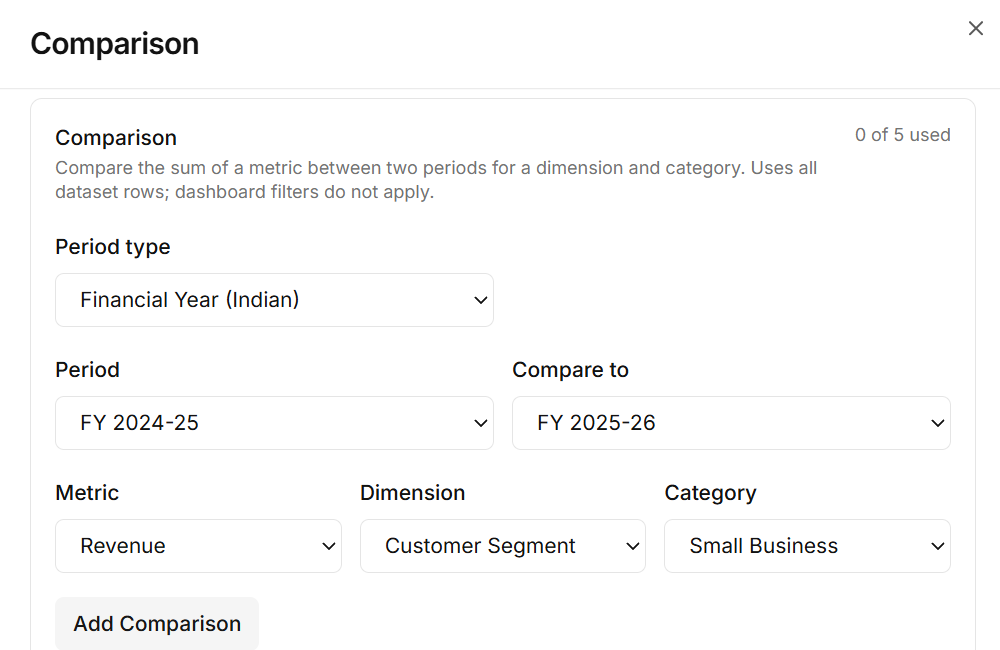
Compare business performance across time periods, products, or categories to identify changes, spot differences, and understand what is performing better.
Take control of your business analysis. Select the data columns that matter, choose the chart views and metrics that match your requirements, then generate a BI Dashboard designed around your specific business questions.
Ideal for users who already know what they want to analyse.
Let AI help you get started with your analysis. Nixorra generates visualisations suited to your dataset, helping you identify patterns and explore business performance without manually configuring every chart.
Ideal when you want a fast starting point for a new dataset.
Whichever way you build your dashboard, these features help you explore it, present it, and understand what it means.
Every AI Visual and Manual Visual result opens as an interactive BI Dashboard, so you can narrow the view to the slice of the business you care about.
Switch a chart to its paired style without rebuilding your analysis—same data, a clearer view for the audience in front of you.
Walk through your dashboard like a slide deck. Each chart comes with short takeaways that explain what is happening in your business data.
A written report that explains what your data is saying in plain business language, based on the information available in your dataset.
Upload your data, export your reports, and share business insights with greater flexibility and control.
Turn AI-powered insights into a shareable PDF report for management reviews and business discussions.
Nixorra never sends your raw data to AI. AI only receives column summaries and the chart totals Nixorra calculates, and you can delete your dataset at any time.
Nixorra reads the same uploaded dataset in two ways — showing what is happening, then explaining why it matters.
Understand what is happening across your business through clear charts, trends, KPIs, comparisons, and presentation-style visual storytelling.
Understand why the patterns matter with AI-generated findings, opportunities, risks, and recommended next steps.
Go from raw Excel or CSV data to meaningful business insights without hours of manual analysis.
See what is happening across your business through an easy-to-follow Visual Story.
Understand what your data means with AI-powered business analysis—not just charts and numbers.
Reduce the time spent building charts, analyzing spreadsheets, and preparing management reports.
Bring the most important business information together in a format designed for quick decision-making.
Make data analysis easier for business owners and teams without requiring advanced BI skills.
Less time preparing data. More time making decisions.
Straight answers for teams evaluating business intelligence tools and automated analytics.
Whether you prefer AI-generated visuals or hands-on chart selection, Nixorra helps you turn spreadsheets into clearer business insights and presentation-ready analysis.
Your data stays in your control. Nixorra never sends raw data to AI, and you can delete your dataset at any time.