BI Tools Pricing
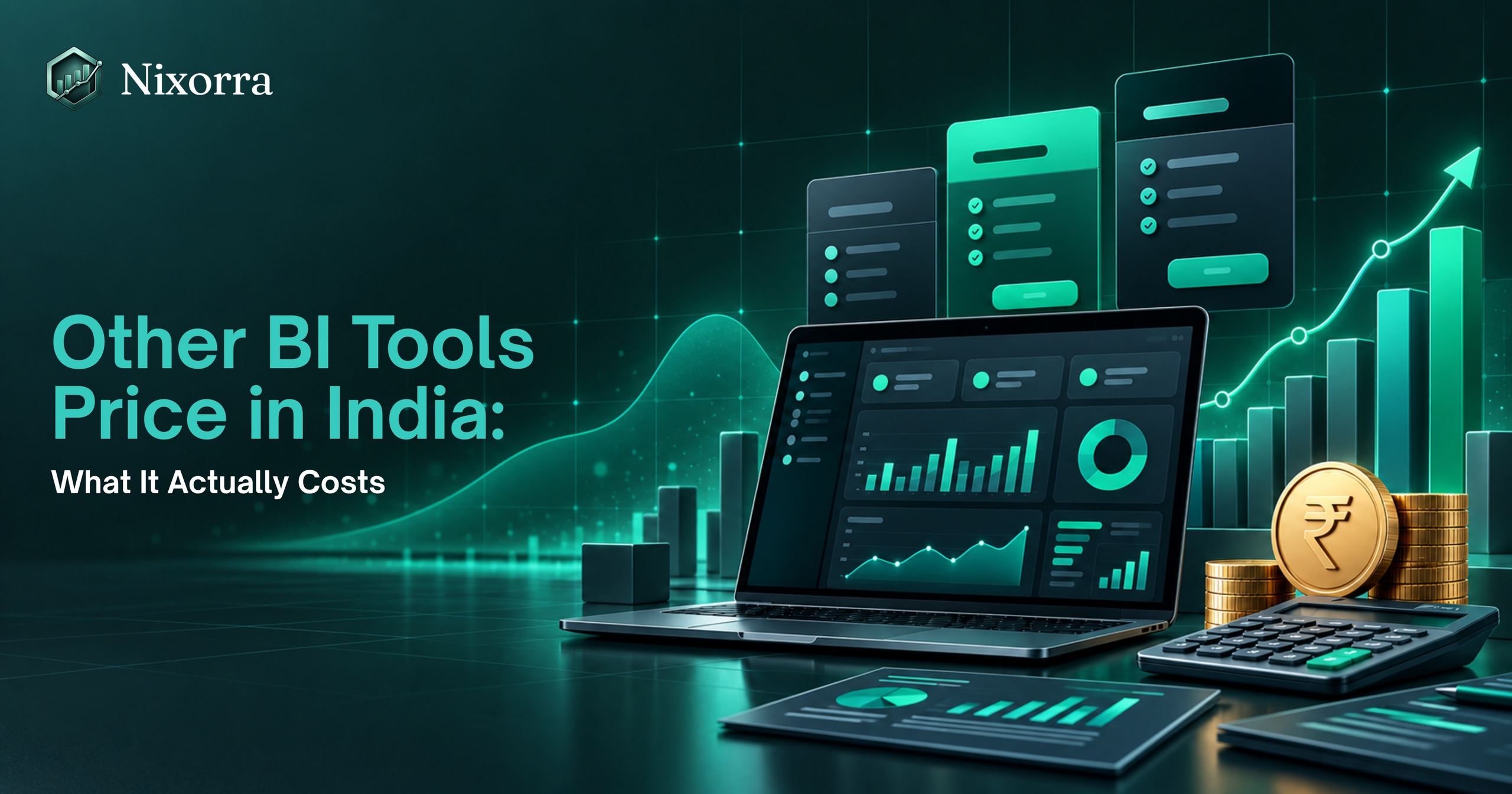
Other BI Tools Price in India: What It Actually Costs
Real rupee prices for the most widely used enterprise BI tool in India, plus the GST, per-viewer licences and hidden costs that do not show up on the pricing page.
By Umang Madhu, AI Consultant at Nixorra10 min read
If you have searched for BI tools prices in India, you have probably seen three different numbers on three different websites. Some show dollars. Some show old prices. Some skip the tax.
This article takes the most widely used enterprise BI tool in India as an example, gives you its real numbers in rupees from the vendor's own India page, and then explains the costs that do not show up on that page. By the end, you will know what a typical BI tool will cost your team each year, and whether it is the right fit for you.
The Short Answer
The leading enterprise BI tool has one free plan and two paid plans for individual users.
| Plan | Price in India | What it is for |
|---|---|---|
| Free plan | ₹0 | Make reports for yourself. You cannot share them. |
| Standard paid plan | ₹1,165 per user per month, paid yearly, plus GST | Make and share reports with your team. |
| Premium per-user plan | ₹1,995 per user per month, paid yearly, plus GST | Everything in the standard plan, plus bigger data and more refreshes. |
| Capacity or embedded plan | Variable, pay-as-you-go or reserved | For companies that put dashboards inside their own app, or have hundreds of viewers. |
Source: the vendor's India pricing page, checked 29 September 2026.
So for a small team, the number to remember is ₹1,165 per person per month, before tax. With 18% GST that is about ₹1,375 per person per month, or about ₹16,500 per person per year.
What Each Plan Actually Gives You
The Free Plan: Good for One Person, Not for a Team
The free plan lets you download the desktop builder app, connect your Excel or CSV files and build charts and dashboards. That part is real and it works well.
The catch is one line on the vendor's own page: you have to upgrade to a paid plan to share reports.
With the free plan you can look at your own reports. You cannot send a dashboard to your manager, your client or your team and let them open it. The moment you need a second person to see your work, you need a paid licence.
The Standard Paid Plan: Where Most Indian Teams End Up
The standard plan costs ₹1,165 per user per month. It is billed yearly, so you pay for twelve months at a time. GST is extra.
It lets you publish reports to the cloud and share them. It is the plan most small and mid-size businesses in India use.
Two things to know:
- This plan is already included in the vendor's top-tier office suite subscription. If your company pays for that, check with whoever manages the account before buying it again.
- It has limits. Each data model can be up to 1 GB, and you can refresh data a fixed number of times a day. For most Excel-based teams this is enough. For large databases it is not.
The Premium Per-User Plan: For Heavy Users
The premium per-user plan costs ₹1,995 per user per month, paid yearly, plus GST. It gives you everything in the standard plan plus larger data models, more frequent refreshes, and advanced features like data pipelines and the built-in AI tools.
You only need this if you have big data or an analyst who lives inside the tool all day. A normal business user does not.
Capacity and Embedded Plans: For Developers and Large Companies
If you want to put dashboards inside your own software, or you have hundreds of people who only view reports, the vendor sells capacity instead of per-user licences. Prices are listed as "variable" and depend on the size you pick and the hours you run it. Expect this to run into lakhs per year, so it is not a small-business option.
Why Did the Price Go Up?
Until March 2025, the standard plan cost USD 10 and the premium per-user plan cost USD 20 worldwide. From 1 April 2025 the vendor raised them to USD 14 and USD 24, and said the products would be priced comparably in other currencies. That is why the Indian price you see today is higher than the one in older blog posts. It was the vendor's first price rise for this product in almost ten years.
The Hidden Costs: What Teams Find Out After the First Month
The licence price is only the start. Here are the costs that surprise most teams in India.
1. Every Viewer Needs a Licence Too
This is the biggest one. If you build a report on the standard plan and share it with ten people, all ten of them also need a licence to open it. Sharing is not free for the person receiving the report.
So a "one licence" plan for a team of ten is really ten licences. That is ₹11,650 per month before GST, or about ₹1.65 lakh per year with tax.
The only way around this is to buy a capacity plan, where viewers can be free. But the smallest capacity that allows free viewers is large and expensive, so it only makes sense for big companies.
2. GST Adds 18%
The vendor's page says GST is extra as applicable. In India that is 18%. Add it to every number you see before you put it in your budget.
3. You Pay for a Full Year
Both paid plans are billed yearly. If you try it for two months and stop, you have still paid for twelve.
4. The Desktop Builder Runs on One Operating System Only
The app you use to build reports is free, but it only runs on one operating system. If your team uses a different one, you will need a separate machine or a virtual machine, which is another cost.
5. Someone Has to Learn It
Enterprise BI tools are powerful, but they are not simple. Most teams either send someone for training, hire a consultant, or spend weeks learning the tool's formula language from YouTube. In India a freelance BI developer typically charges by the day or by the dashboard, and that cost is often larger than the licence in the first year.
6. Keeping Data Fresh Needs a Gateway
If your data lives in a file on your computer or on an office server, the tool needs a small piece of software called a gateway running on a machine that is always on. That means a PC or server that never switches off, and someone to look after it.
A Simple Cost Example
Here is what a ten-person team in India would pay in the first year on the standard plan.
| Item | Cost |
|---|---|
| 10 licences x ₹1,165 x 12 months | ₹1,39,800 |
| GST at 18% | ₹25,164 |
| Training or a consultant to build the first dashboards (typical range) | ₹30,000 to ₹1,00,000 |
| A machine that stays on for the gateway, if needed | ₹0 to ₹40,000 |
| Total for year one | Roughly ₹2 lakh to ₹3 lakh |
The licence line is fixed. The other lines depend on your team, but very few teams get away with zero on all of them.
Is an Enterprise BI Tool Worth It?
Yes, if you have a data person on the team, your data lives in databases, and you need deep, custom dashboards that many people will use every day. Enterprise BI tools are very good at that, and for a large company the price per person is fair.
No, if you are a small business, a founder, a consultant or a manager who mostly has Excel and CSV files and needs answers, not a BI project. In that case you are paying for a lot of power you will not use, and you are paying for every person who wants to look at the result.
A Simpler Option for Excel and CSV Teams
If you're a small business weighing BI software for small business pricing, Nixorra is built for exactly that — upload an Excel or CSV file and get a dashboard in about a minute, without per-user fees.
How Nixorra Credits Work
Nixorra does not charge per user. It works on credits, and there are two kinds:
| Credit type | What it is used for |
|---|---|
| AI Credits | AI Visual (the AI picks the right charts for your dataset) and the AI Report that explains what the numbers mean |
| Manual Credits | Building a BI dashboard yourself, where you pick the charts instead of the AI |
You can buy credits in a monthly plan or as a one-time pack. You do not need a subscription to use a one-time pack.
The ₹99 One-Time Plan
The cheapest way to start is the ₹99 Manual Credits pack. It is a one-time purchase, not a subscription, and it gives you:
| What you get for ₹99 | Amount |
|---|---|
| BI Dashboards you can generate | 10 |
| Visual Stories | 10 |
| Presentation views | 10 |
| File size per Excel or CSV upload | Up to 20 MB |
That is enough to turn ten spreadsheets into dashboards and presentations for less than the GST alone in one month of an enterprise BI licence. If you want the AI to choose the charts and write the report for you, you add AI Credits on a monthly plan or a larger pack.
Side-by-Side Comparison
| Aspect | Typical enterprise BI tool | Nixorra ₹99 one-time pack | Nixorra Starter | Nixorra Pro |
|---|---|---|---|---|
| Price | ₹1,165 per user per month plus GST, paid yearly | ₹99 once | ₹599 per month | ₹1,199 per month |
| What you get | One licence for one person | 10 BI dashboards, 10 visual stories, 10 presentation views (Manual Credits) | 10 AI + 10 Manual credits a month, 10 datasets | 25 AI + 25 Manual credits a month, 20 datasets |
| Who has to pay to view | Every viewer | Nobody extra; export and share | Nobody extra | Nobody extra |
| Set-up | Install a desktop app, learn the tool | Upload a file | Upload a file | Upload a file |
| Who picks the charts | You | You | You or the AI | You or the AI |
| AI report | No | Not included (needs AI Credits) | Yes | Yes |
| Best for | Analysts and big teams | Trying it out, one-off reports | Small teams, founders, managers | Teams with more data and datasets |
Nixorra prices are from our pricing page. See the full plan comparison and all credit packs on the Nixorra pricing page.
Frequently Asked Questions
What is BI Software price in India per month?
The most widely used enterprise BI tool costs ₹1,165 per user per month on its standard plan and ₹1,995 per user per month on its premium per-user plan. Both are paid yearly, and GST is extra. There is also a free plan, but it does not let you share reports.
Are BI tools free in India?
Most enterprise BI tools have a free desktop app or free account, and you can build reports for yourself with it. To share a report with anyone else you need a paid licence.
Does everyone who views a report need a licence?
Yes, on the standard per-user plans. Every person who opens a shared report needs their own licence. Only the large capacity plans allow free viewers.
Is the BI tool included in my office suite subscription?
The standard plan is included in the vendor's top-tier office suite plan. It is not included in the cheaper business or mid-tier plans. Check your subscription before you buy.
What is the cheapest way to use an enterprise BI tool for a small team?
Buy the standard plan for the people who build reports and for every person who needs to open them, and keep data in cloud files to avoid a gateway. If that still feels heavy for a team that lives in Excel, a lighter tool built for spreadsheets may cost less and take less time.
What is the cheapest way to get a BI dashboard from an Excel file in India?
Nixorra's ₹99 one-time Manual Credits pack gives you 10 BI dashboards, 10 visual stories and 10 presentation views from Excel or CSV files up to 20 MB each, with no subscription and no per-user fee.
What is the difference between AI Credits and Manual Credits on Nixorra?
AI Credits are used when the AI selects the charts for your dataset (AI Visual) and writes the AI Report. Manual Credits are used when you build the BI dashboard yourself by choosing the charts. The ₹99 pack contains Manual Credits only.